MacBook Air 13-inch
M5 · 16GB / 512GB
Silver
More memory and storage in a compact laptop, with connections for a growing desk setup.
Consider: The smaller built-in screen leaves less room for side-by-side work.
Check Air 13-inch — Silver on AmazonChoose the 13-inch Air for frequent carrying or a desk with an external monitor. Choose the 15-inch Air when you spend most of your day working on the laptop's own screen.
Our approach: Research-based analysis of published specifications and the selected listings. We have not hands-on tested these laptops. Recommendations are editorial judgments, not benchmark results.
Our guides are free to explore. Amazon links are affiliate links: we may earn a commission from qualifying purchases. How this works
M5 · 16GB / 512GB
Silver
More memory and storage in a compact laptop, with connections for a growing desk setup.
Consider: The smaller built-in screen leaves less room for side-by-side work.
Check Air 13-inch — Silver on AmazonM5 · 16GB / 512GB
Midnight
Choose Midnight if it is the finish you prefer; compare the selected seller and current offer.
Consider: This is a color alternative to the Silver listing, not a performance upgrade.
Check Air 13-inch — Midnight on AmazonM5 · 16GB / 512GB
Midnight
A larger screen for reading, spreadsheets and two windows when you work away from a monitor.
Consider: A wider footprint and more weight to carry; measure your bag and desk.
Check Air 15-inch — Midnight on AmazonMemory and storage refer to these listings. Other specifications describe the corresponding model. Display combinations require compatible cables and accessories; see Apple's full specifications below.
| What matters | MacBook Air 13-inch | MacBook Air 15-inch |
|---|---|---|
| Chip | M5 | M5 |
| Memory / selected listing | 16GB | 16GB |
| SSD / selected listing | 512GB | 512GB |
| Display diagonal | 13.6-inch | 15.3-inch |
| Published weight | 2.7 lb | 3.3 lb |
| Connections | Two Thunderbolt 4 + MagSafe 3 | Two Thunderbolt 4 + MagSafe 3 |
| Native external display support | Up to two external displays; see supported modes | Up to two external displays; see supported modes |
This comparison covers the linked M5 MacBook Air configurations with 16GB unified memory and a 512GB SSD. The 13-inch options are Silver and Midnight; the 15-inch option is Midnight. These are three product listings, but only two size choices.
Our default choice for frequent carrying is the 13-inch. Our default for someone who uses the laptop as their main screen is the 15-inch. That recommendation is about where you work and how you arrange windows, not a claim that one size is the universal best MacBook.
Both belong to the M5 Air family. This guide does not assign a benchmark score or promise that the larger model completes your work faster. Confirm the exact processor configuration if GPU-intensive work is central to your purchase.
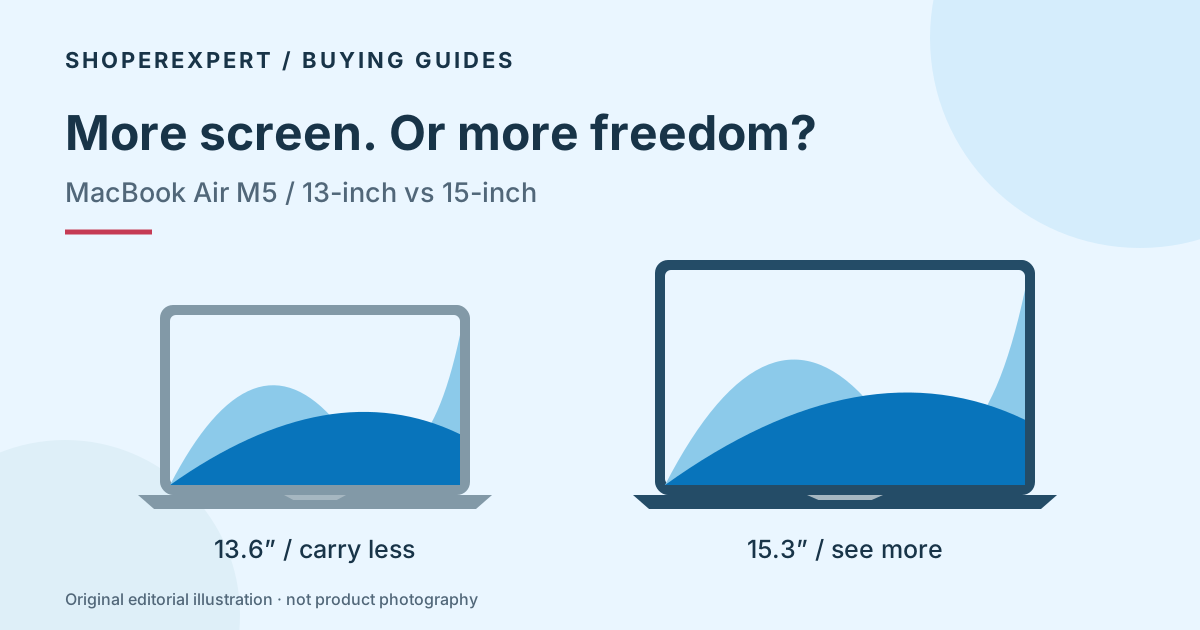
Apple lists 13.6-inch and 15.3-inch displays. The 15-inch model gives you a physically larger surface for text, spreadsheets and windows. Whether you see more content, larger text or a mixture depends on the scaling and application settings you choose.
A practical way to decide is to name the two windows you most often need together. A document and a reference page? A video call and notes? A spreadsheet and an invoice? If that pairing occupies much of your day, the larger display has a clear purpose.
If your routine is mostly one full-screen window, the larger size may be less valuable. An external monitor at your main desk can also change the decision: the built-in screen then matters most during travel rather than throughout the working day.
Apple’s published weights are 2.7 lb for the 13-inch and 3.3 lb for the 15-inch. The difference is 0.6 lb before adding a charger, case or accessories. That is a calculation from the published weights, not a measurement of a travel kit.
Weight is only half the fit question. The 15-inch is wider and deeper. Check your bag’s usable internal dimensions, including any padded sleeve and zipper opening. A bag labeled “15-inch” is not a guarantee of a comfortable fit.
For a commuter who moves between rooms, uses small cafe tables or carries a laptop all day, we would start with the 13-inch. For a laptop that travels occasionally between two generous desks, the larger screen may be an easier trade.
It is easier to justify when the extra screen space solves a repeated irritation. If you constantly switch between windows because you cannot comfortably see both, the larger workspace may improve how you organize your work.
It is harder to justify if the laptop will spend most of its time attached to a monitor. In that case, put the current price difference beside the cost of the entire setup you need: monitor, stand, keyboard, storage and any adapter. Do not assume today’s Amazon price gap will match an old review.
There is no permanent answer based only on a price tier. Check the live offers for the configurations you would actually buy and decide whether the extra screen area is worth that difference to you.
Not in the selected listings: each has 16GB memory and a 512GB SSD. A larger chassis is not an automatic capacity upgrade.
If your real concern is a large project library or demanding multitasking, decide on memory and storage before choosing a screen. Buying the larger display does not solve an undersized drive. Likewise, selecting Midnight instead of Silver does not add processing capacity.
Apple sells other configurations, and an Amazon variation selector can change the item. Recheck the selected model and capacity after choosing a color or size.
Both M5 Air sizes provide Thunderbolt 4 and MagSafe charging. Apple’s official specifications describe supported external display modes; your dock, cables and monitor inputs must also support the chosen arrangement.
The practical benefit of MagSafe at a desk is that charging can use its own connector while the USB-C ports serve peripherals. It does not mean every dock will drive every display configuration without a check.
If your main work already happens on an external monitor, a 13-inch Air plus the right desk setup is our starting recommendation. If you work at several locations without a monitor, the 15-inch screen follows you from place to place.
Start with the 13-inch if your required course software works on this Mac. It is the lighter of these Air sizes and easier to fit into a compact working space. Choose the 15-inch only if the larger reading area is worth carrying more every day.
Start with the 15-inch. Its larger built-in screen is a concrete reason to consider it, though spreadsheet readability still depends on scaling, zoom and the sheet’s layout. We have not tested your workbook or macros; verify software compatibility separately.
Start with the 13-inch and check the complete connection path. Spending more on a screen you rarely use may be less helpful than addressing a missing accessory or backup drive.
The two 13-inch listings below state the same M5, 16GB and 512GB specification. Choose the finish you prefer, then compare the selected seller, condition and current total.
We have not performed fingerprint, scratch or finish durability testing. Color preference should not be turned into an unsupported claim about build quality.
It is the product’s size label. Apple lists the screen diagonal as 13.6 inches; the larger model is 15.3 inches. Actual viewable area is affected by the display shape.
This guide has no original battery tests. Manufacturer “up to” figures are conditional and do not promise runtime in your workload. If time away from power is decisive, look for testing that resembles your applications and brightness settings.
Read our Neo vs Air comparison and Neo review. Compare the lower-capacity Neo configuration against your actual needs rather than assuming all 13-inch MacBooks are equivalent.
We reviewed the official specifications and the indexed Amazon listing titles on October 6, 2026. Amazon's indexed pages may lag the live listing. We matched chip, memory, storage and finish to the selected ASINs; seller, condition, price and availability must be checked at purchase.
We translate those specifications into buying considerations. We did not measure performance, battery runtime, finish durability or long-term reliability. Read our editorial approach.
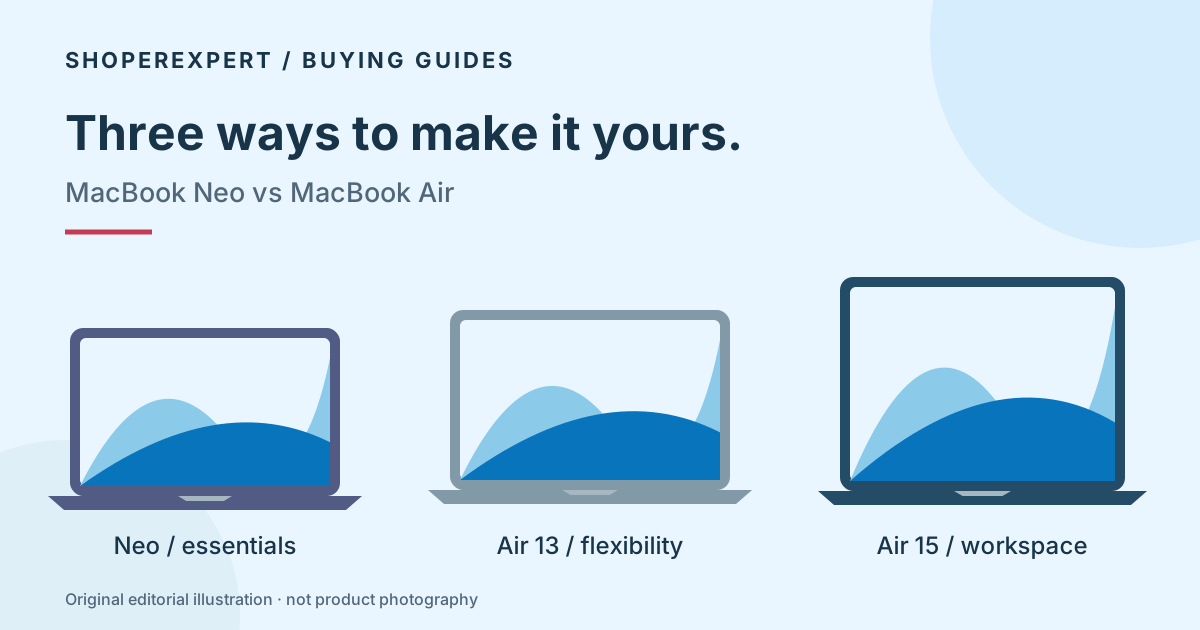
Compare the MacBook Neo A18 Pro with the M5 MacBook Air 13 and 15. Choose by memory, storage, screen size and your everyday workload.
Read the guide →
A research-based MacBook Neo review of the A18 Pro, 8GB RAM and 256GB SSD model. Understand its storage, port and study-workload trade-offs before buying.
Read the guide →