MacBook Neo vs MacBook Air: the decision that matters
The useful question is not simply which chip is newer or which laptop looks better. It is whether your work fits comfortably inside the configuration you are buying. The Neo listing here has 8GB of unified memory and a 256GB SSD. The Air listings have 16GB and 512GB. That difference matters before you even choose a screen size.
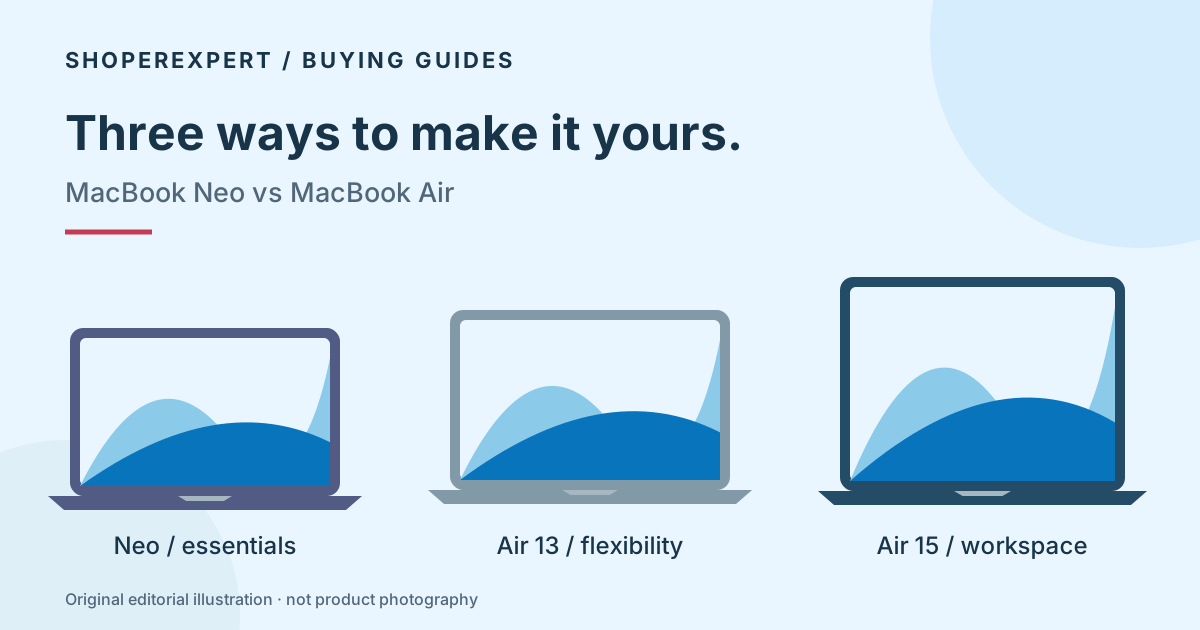
Our starting recommendation is the Air 13 for someone who expects their workload to grow and can comfortably afford the current offer. The Neo is a more focused choice when basic tasks are the whole job. The Air 15 makes sense when a bigger built-in workspace matters more than the smallest bag.
These are buying judgments based on the published configurations, not measured performance rankings. Compare the current checkout totals before deciding: a change in the price gap can change which trade-off makes sense.
Which MacBook should I buy for my day?
Everyday browsing, documents and household tasks
Put the Neo on your shortlist if your routine is email, forms, streaming, writing and a manageable set of browser tabs. Its appeal is getting the Mac workflow you want without buying capacity you do not expect to use.
Before choosing it, open the storage screen on your current computer. Include downloaded photos, phone backups and offline files. If your existing collection already crowds a 256GB drive, the Neo configuration linked here will require a different storage routine from day one.
A MacBook for college
Start with your department’s software list, not a generic “student laptop” badge. Writing, research and browser-based coursework make a different demand from engineering software, virtual machines or large creative projects. Verify macOS and Apple silicon support for required applications and any exam software.
The Neo can be a sensible shortlist entry for a light workload. The Air 13 is our more flexible choice when you need room for several applications and larger files. Neither recommendation overrides an institution’s requirement for a particular operating system or GPU.
Work on the move
The Neo and Air 13 both have a published weight of 2.7 lb. Do not assume choosing the Neo automatically makes your bag lighter. The Air 13 adds memory, storage and a more capable connection setup in a similarly portable weight class. Dimensions and charger choice still affect the whole carry setup.
If you already use an external monitor at your desk, a compact laptop may be the more useful compromise. Read our Air 13 vs 15 size guide before paying for a bigger screen you might rarely use.
A laptop that is also your main screen
Choose the Air 15 when you regularly read a reference document beside your draft, compare spreadsheets, or keep a call beside your notes without an external monitor. The larger screen is useful because of what you put on it, not because “15-inch” guarantees a faster computer.
If you spend most of the day in one full-screen application, the larger footprint may add less value. Try your real window layout on a similar-size display if possible.
Is MacBook Air worth it over the Neo?
The Air is easier to justify when you can identify a concrete need: more memory, more local storage, a backlit keyboard, or a desk with more demanding peripherals. Buying it only because you are worried that every inexpensive laptop is inadequate is a weaker reason.
The memory and SSD capacities in these listings are purchase-time decisions. An external drive can add file space, but it does not add unified memory. A cloud subscription can reduce local storage pressure, but brings ongoing cost and connectivity requirements.
Do not convert a bigger specification into an invented speed claim. We have not timed your applications. If your livelihood depends on long rendering jobs, specialist plug-ins or a complex development environment, verify those applications and seek relevant hands-on testing before ordering.
Connections can decide this comparison
Apple specifies one USB 3 and one USB 2 USB-C port on the Neo, with native external display output through the USB 3 port. That means identical-looking sockets do not have identical capabilities. Keep this in mind when a drive, charger and monitor must all fit into your setup.
The M5 Air has two Thunderbolt 4 ports and separate MagSafe charging. Apple supports more external-display configurations on the Air; the exact resolution, refresh rate, dock and cable combination still needs checking. See the official specifications in the source list below.
Before you choose an Amazon listing
- Confirm the product name, chip, memory and SSD again after any variant change.
- Compare the current total and seller terms, not a remembered search-result price.
- Check the item’s condition, keyboard layout, included charger and applicable return terms.
- Make sure your required software and external display arrangement are supported.
- Choose Silver or Midnight for preference, not an assumed performance difference.
The Neo review explores its capacity trade-offs in more detail. Our computer category guide covers the surrounding setup.
Questions before buying
Is the MacBook Neo a smaller MacBook Air?
No. They are different product families with different chips, memory configurations and connection capabilities. The 13-inch naming does not make them interchangeable.
Does the Midnight Air run differently from the Silver Air?
The two Air 13 listings selected here have the same stated M5, 16GB and 512GB configuration. Their listed finish differs. Check any variant change before purchasing.
Should I wait for a deal?
We do not forecast Amazon discounts. Compare the current offers with your actual need and budget. If your current computer meets your needs, there is no requirement to replace it just because a new model exists.
Which choice would we narrow down first?
For light tasks with a firm budget, examine the Neo’s current offer and capacity limits. For a flexible portable setup, start with the Air 13. If the laptop itself is your main workspace, compare the Air 15.